Play your PS5 remotely just like you're at home.
No new setup. No change to how you play. Just add HomiPlay.
A more direct connection that makes remote play feel right.
Overview
When you're away from home, PS Remote Play can take time to connect. Even then, it often feels laggy. Gameplay isn't smooth. Visuals can get blurry. The experience is inconsistent.
With HomiPlay, you connect in seconds. Gameplay feels smooth, responsive, and stable.
Much closer to playing at home.
⚡ Connect faster: Get back to your home console in seconds. Spend less time waiting.
🎮 Play smoother: More responsive controls. No more lag or interruptions.
🔍 See clearer: Sharper details, more stable visuals. Closer to the quality you get at home.
Benefits
Connect reliably, even on restrictive networks
Direct P2P connection keeps your input and visuals in sync
No complicated setup-just open and play
End-to-end encrypted, with no third-party relay
Setup Steps
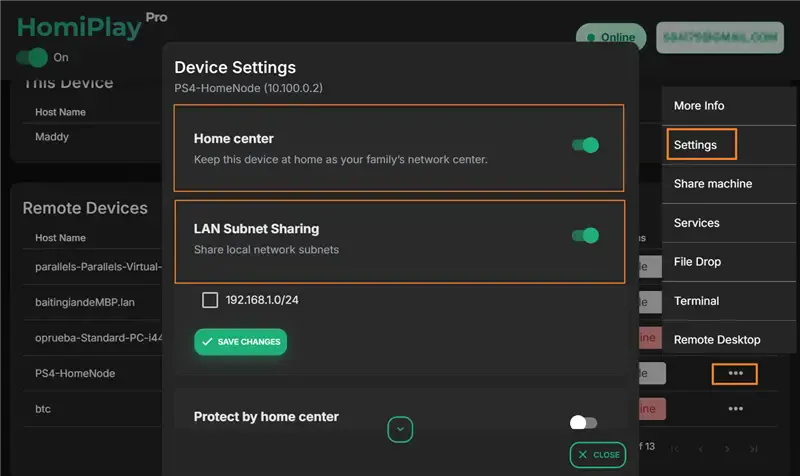
Install HomiPlay on the Home Network
Install HomiPlay on a computer or server on the same local network as your PS5. Set this device up as your Home Center and ensure it remains powered on.
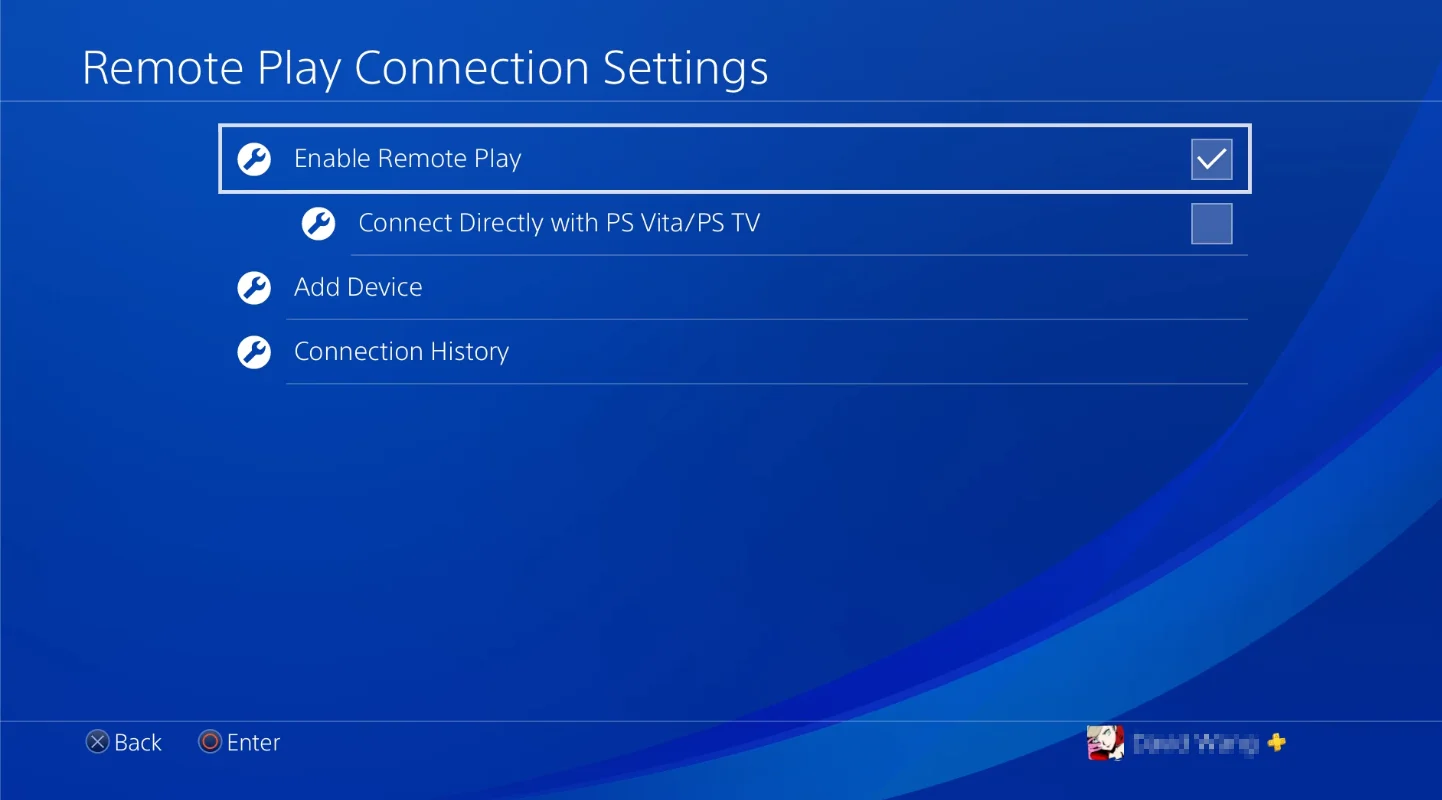
Enable Remote Play on PS5
On your PS5 console, go to "Settings" > "System" > "Remote Play" and turn on "Enable Remote Play".
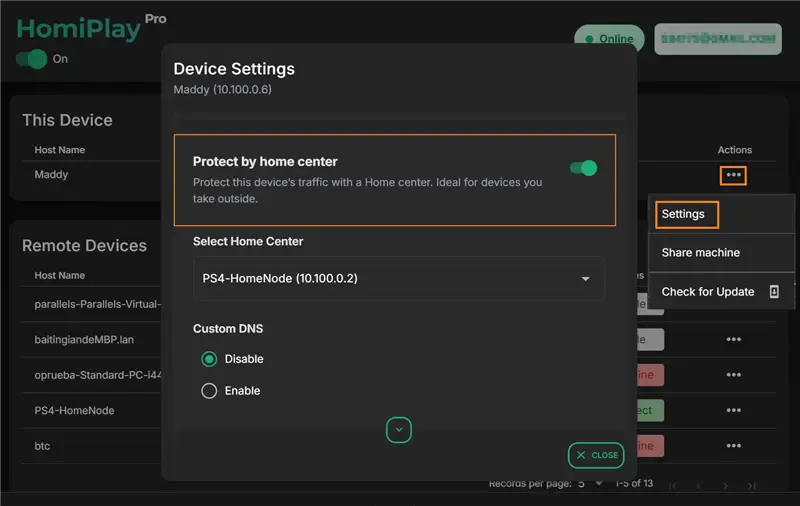
Enable Protect by Home Center on Your Client Device
Install and log into HomiPlay on your remote phone, tablet, or laptop. Select your home device as the Home Center and enable the "Protect by Home Center" feature.
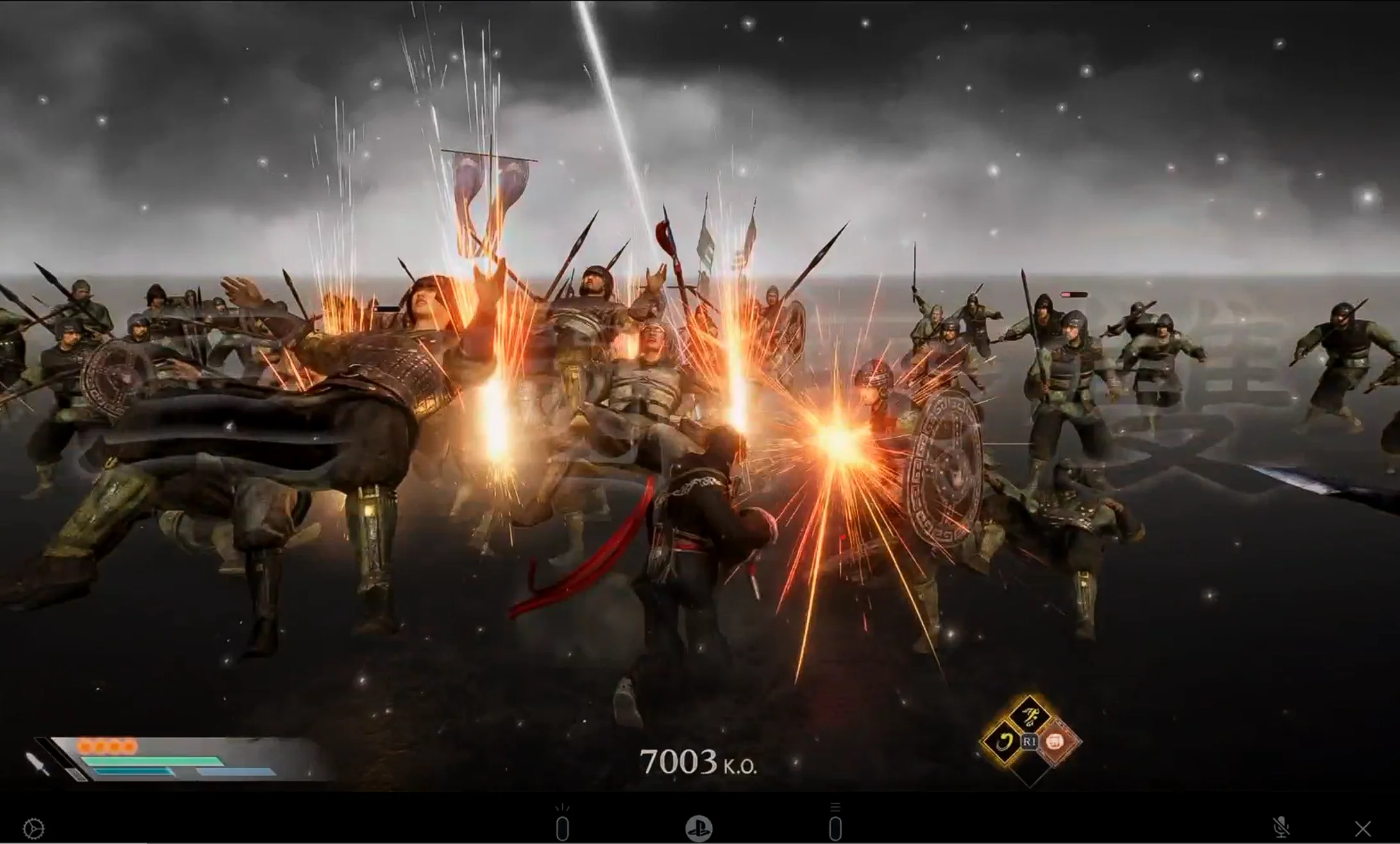
Connect and Play
Launch the PS Remote Play app. It will locate and connect to your PS5 just as securely and swiftly as if you were on your local network.
Other Use Cases
Access Your Home NAS via HomiPlay
Securely and quickly access files, photos, and multimedia on your home NAS from anywhere.
Learn MoreDesktop | Cross-platform remote desktop, one click from the device menu
Works across Windows, macOS, Linux, Android, iPhone, and iPad. HomiPlay builds a secure virtual network between your devices and opens remote desktop right inside the app. No VPN, no static IP, no port forwarding.
Learn MoreMobile | Cross-platform remote desktop, one tap from the device menu
Works across Windows, macOS, Linux, Android, iPhone, and iPad. HomiPlay builds a secure virtual network between your devices and opens remote desktop right inside the app. No VPN, no static IP, no port forwarding.
Learn MoreDesktop | Move files between your devices with side-by-side folders
Open File Transfer inside HomiPlay to browse local and remote folders side by side and upload or download directly. No cloud drive or USB stick in the middle.
Learn MoreMobile | Move files straight from your phone to another device
Open File Transfer inside HomiPlay to browse remote folders and upload straight from your photo library or files. No cloud drive or USB stick in the middle.
Learn MoreStay safe on public WiFi with your own VPN.
Route your connection back home so your data is no longer exposed.
Learn More